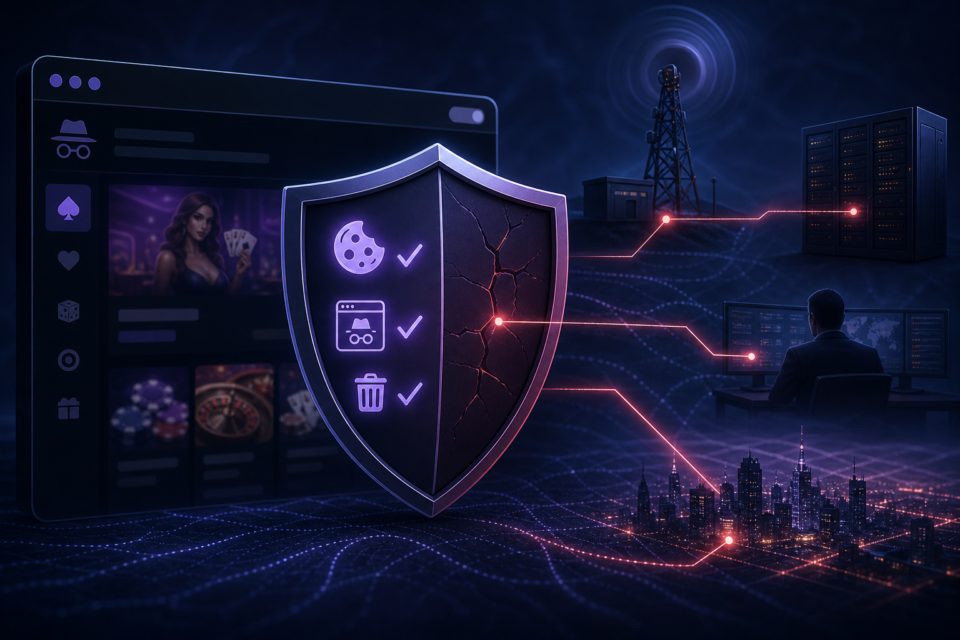
Private browsing for adult gaming is useful when you want a browser to retain less local information, especially on a shared device. It is not an invisibility tool. Understanding that distinction prevents a false sense of security.
What private mode normally does
When a private window closes, the browser generally removes the session’s local history, temporary cookies and form entries. Downloads and bookmarks remain. The exact behaviour varies by browser, so review its explanation rather than relying on the word private.
Private mode can reduce accidental disclosure to the next person who opens the browser, but it cannot control every trace on the device.
What it does not hide
The website still receives an IP address, browser information and any details supplied through an account. An internet provider, employer, school or managed network may still record connections. Security software, DNS services and the operating system may retain their own information.
- Signing in identifies the session to the account operator.
- Payments create records with the platform and payment provider.
- Downloaded files remain after the private window closes.
- Network administrators may still see the domains contacted.
Private mode is not a security scanner
It does not make a misleading website legitimate, stop phishing or remove malware from a download. Continue to check the publisher, HTTPS connection, permissions and payment terms. Do not grant camera, location or notification access merely because a session is private.
Better privacy habits for adult players
- Use a separate browser profile on a personal device where practical.
- Choose unique passwords and enable two-factor authentication.
- Review site permissions and optional cookies.
- Keep the browser and operating system updated.
- Lock the device and avoid adult content on managed networks.
For account protection, continue with adult gaming account security.
Shared devices and local privacy
On a shared household computer, private mode can prevent ordinary history suggestions and persistent sign-in cookies. Always sign out before closing the window. Check the Downloads folder and do not save passwords to a shared browser. A separate operating-system user account offers stronger separation than a private tab alone.
Cookies, accounts and deletion requests
Closing a private window does not delete an online account. If you no longer use a platform, review its account-deletion process and data-retention explanation. Save any confirmation message. Where a site provides optional analytics or advertising cookies, decline those that are not needed for the game to function.
Frequently asked questions
Can my internet provider see private browsing?
The provider can generally still see connections to websites, although HTTPS protects the specific page contents in transit.
Does private mode hide payments?
No. Payment providers, banks and the gaming operator retain normal transaction records.
Is a VPN the same as private browsing?
No. They address different parts of the connection, and neither automatically makes an unsafe site trustworthy.
Browse the Gamcore Gaming Safety & Privacy hub for more plain-English 18+ guidance.
