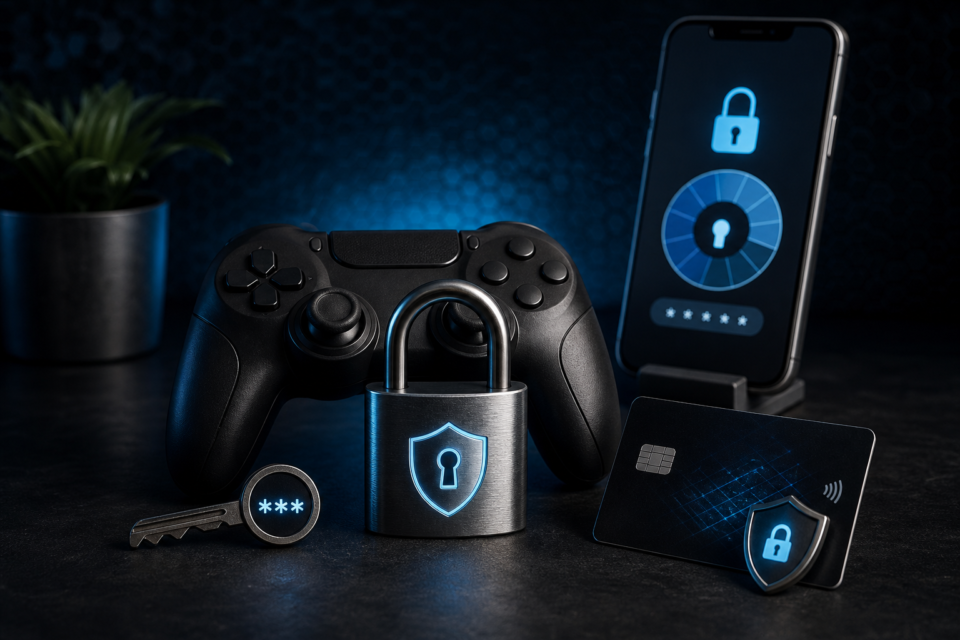
Adult gaming account security matters because one login can connect play history, email, purchases and private profile details. A few repeatable checks provide more protection than relying on a platform’s reputation alone.
Use a unique password
Create a long password that is not used for email, social media or another game. A password manager can generate and store unique credentials. Reusing a memorable password is risky because a breach on an unrelated service can expose several accounts at once.
Enable two-factor authentication
Two-factor authentication adds a second step after the password. An authenticator app or security key is generally more resistant to interception than an SMS code, although any supported second factor is better than none. Save recovery codes somewhere separate from the gaming device.
Protect the connected email account
Password resets usually go through email, so the email account is part of the security boundary. Give it a unique password and two-factor authentication too. Review forwarding rules and active sessions if an unexpected reset message arrives.
Check payment settings
Do not save a payment method merely for convenience on a device shared with other people. Enable purchase confirmation where available and review statements for unfamiliar charges. Understand subscription renewal dates, currency and cancellation steps before paying.
- Never send card details through chat or direct messages.
- Do not approve a login or payment prompt you did not initiate.
- Keep transaction emails for legitimate purchases.
- Contact the payment provider promptly when a charge is not recognised.
Recognise phishing and fake support
Phishing messages often create urgency: an account will supposedly close, a reward will expire or a payment must be verified immediately. Open the official site independently instead of using the message link. Real support should not ask for a password or two-factor code.
Review sessions and public information
Sign out old devices, hide unnecessary profile details and use a display name that does not reveal your legal name, workplace or location. If the platform lists recent sessions, review them after travel or any security alert.
Secure the device as well as the account
Install operating-system and browser updates, use a screen lock and avoid downloading unofficial launchers or modifications. Shared computers should use separate user profiles. Account controls cannot protect information if another person can open an unlocked device or read saved recovery codes.
Prepare for recovery
- Store recovery codes securely.
- Keep the registered email address current.
- Record legitimate purchase references.
- Know the operator’s official support route.
- Change both gaming and email passwords after a confirmed compromise.
Combine these steps with the privacy advice in Private Browsing for Adult Gaming and the platform checks in How to Choose Safe Adult Browser Games.
Frequently asked questions
Should I save my card to a gaming account?
Only when you understand the operator, device access and purchase controls. Removing stored payment details can reduce exposure.
What should I do after a suspicious login?
Change the password, sign out other sessions, secure the connected email and contact the platform through its official support page.
Gamcore publishes independent educational guidance for UK adults aged 18+. See our editorial approach.
