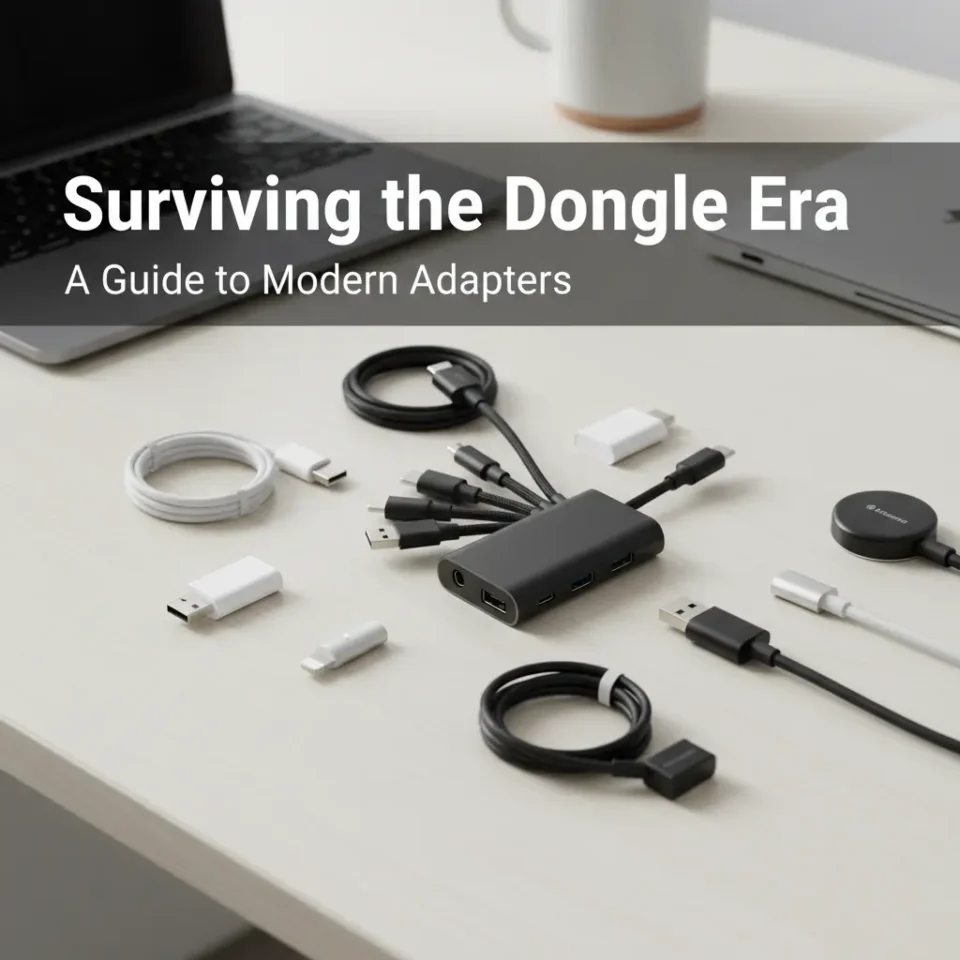
Buying a new premium laptop often leads to a sudden, frustrating realization. You unbox a sleek, incredibly thin machine, only to find that all the familiar ports have vanished. Instead of the usual array of connections, you are left with two or three identical, oval-shaped USB-C slots.
This design shift has given rise to the era of “dongly tech.” To connect a standard mouse, an external monitor, or a simple SD card, you now need a pocket full of adapters. Laptop bags have become tangled webs of white cables and aluminum hubs.
Understanding this new ecosystem is essential for anyone who relies on computers for daily work. This guide will explain why our devices lost their ports, how to choose the right hubs to protect your hardware, and what the future of wireless connectivity looks like. By the end, you will know exactly how to build a clean, functional workspace without drowning in adapters.
The Shift to Specialized USB-C Ecosystems
A decade ago, the edges of a standard laptop resembled a Swiss Army knife. They featured HDMI ports, Ethernet jacks, multiple USB-A slots, and dedicated power inputs. Manufacturers eventually began prioritizing thinner, lighter designs. Apple famously accelerated this trend in 2016 by removing almost every legacy port from the MacBook Pro, leaving only USB-C.
USB-C is an incredibly powerful standard. A single Thunderbolt 4 port can deliver up to 100 watts of power, transfer data at 40 gigabits per second, and drive dual 4K displays simultaneously. It consolidates power, data, and video into a single connection.
However, the rest of the world did not upgrade immediately. Billions of flash drives, presentation monitors, and audio interfaces still rely on older connections. We are currently living through a transitional period where the computer speaks one language, and the peripherals speak another. Dongles act as the necessary translators between these two generations of hardware.
Essential Dongly Tech for Different Workflows
Not everyone needs a massive, expensive docking station. Your ideal adapter setup depends entirely on how you use your computer.
The Remote Worker
Professionals splitting their time between the home office and coffee shops need flexibility. A reliable internet connection is crucial for video calls, making an Ethernet adapter highly valuable. Similarly, presenting in different conference rooms requires HDMI or even VGA adapters to connect to older projectors. A basic multi-port hub with HDMI, Ethernet, and two USB-A ports usually covers all the bases for standard remote work.
The Creative Professional
Photographers, videographers, and musicians require much higher data bandwidth. An SD or MicroSD card reader is non-negotiable for importing large media files. Creatives also frequently work off external solid-state drives (SSDs), requiring high-speed USB-C passthrough ports. A standard cheap hub will throttle file transfers, so creatives must look for premium adapters built to handle massive data loads without bottlenecking.
Choosing High-Quality Hubs to Protect Your Gear
Buying the cheapest adapter available online is a risky strategy. Poorly manufactured hubs can cause serious problems, ranging from dropped connections to permanent hardware damage.
When a hub includes power delivery (PD) passthrough, you plug your laptop charger into the hub, which then routes power into the computer. Cheap internal wiring can fail to regulate this power correctly, leading to overheating. In severe cases, low-quality hubs have been known to fry laptop motherboards.
Always look for adapters housed in aluminum rather than plastic. Aluminum acts as a heatsink, pulling warmth away from the internal chips during heavy data transfers. Check the specifications for the exact power delivery wattage, ensuring it matches or exceeds your laptop’s required input. Finally, verify the data transfer speeds. A port might look like high-speed USB 3.0, but run at sluggish USB 2.0 speeds if the manufacturer cut corners.
Top-Rated Multi-Port Adapters on the Market
Navigating the sea of available adapters can be overwhelming. A few brands consistently deliver reliable, safe, and efficient hubs for various price points.
Anker PowerExpand+ 7-in-1
This is the quintessential everyday hub. It provides an HDMI port, two USB-A ports, Ethernet, SD/MicroSD readers, and power delivery passthrough. It is highly affordable, durably built, and offers enough connectivity for 90 percent of general users.
Satechi Aluminum Multi-Port Adapter V2
Satechi designs hardware that perfectly matches the aesthetic of modern premium laptops. This V2 adapter offers a similar port selection to the Anker model but features an upgraded internal design to manage heat more effectively. It is a favorite among users who want their dongly tech to look as good as their computer.
CalDigit TS4 Thunderbolt 4 Dock
For users who primarily work at a desk, a full docking station replaces the need for travel dongles entirely. The CalDigit TS4 is an absolute powerhouse, offering 18 different ports. It handles multiple high-resolution displays, provides massive data throughput, and charges the laptop simultaneously. While it is too bulky for a backpack, it creates the ultimate single-cable desktop setup.
The Future of Wireless Connectivity
The frustration of carrying adapters will not last forever. Technology is rapidly moving toward a completely wireless future, aiming to eliminate the need for physical ports altogether.
Bluetooth technology has advanced to the point where wireless mice and keyboards have zero noticeable latency. Wi-Fi 6E and Wi-Fi 7 offer speeds that rival physical Ethernet cables, making hardwired internet connections unnecessary for most households.
File transfers are increasingly handled via cloud storage solutions rather than physical flash drives. Even displaying video is becoming untethered, with protocols like AirPlay and Miracast allowing users to cast screens to smart TVs without HDMI cables. As these wireless standards become ubiquitous, the reliance on dongly tech will naturally decline.
Building Your Minimalist Tech Setup
Living with a modern laptop does not have to mean carrying a tangled mess of wires. You can build a streamlined, minimalist setup by shopping strategically.
Start by auditing your actual daily needs. If you only occasionally use a flash drive, a tiny, single USB-A to USB-C adapter might be all you need. If you connect to multiple devices daily, invest in one high-quality, aluminum-bodied hub rather than several cheap adapters.
Look for opportunities to replace cables entirely. Buying a native USB-C to USB-B cable for your printer eliminates the need to put an adapter in the middle. The goal is to reduce friction in your workflow. By choosing the right gear, you can enjoy the sleek portability of modern laptops without sacrificing the connectivity you need to get things done.
